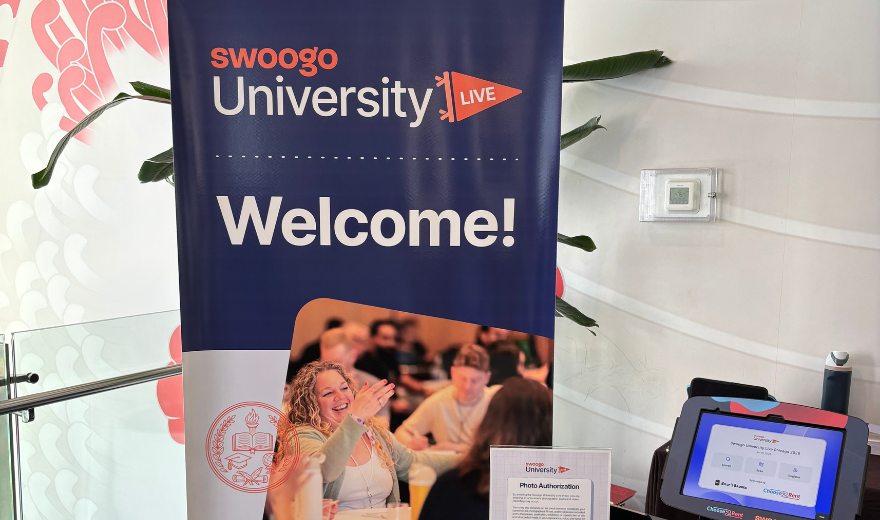
Swoogo University 2026: Smarter Builds, Better Experiences
There’s something refreshing about spending a day surrounded by people who geek out over event technology as much as we do.
We recently attended Swoogo University 2026 in Chicago and walked away with pages of notes, a few “why didn’t we think of that?” moments, and plenty of ideas we’re excited to bring into future event builds. From website design improvements and AI integrations to smarter registration strategies and a completely refreshed attendee app experience, the focus was clear: simplify the backend, personalize the attendee journey, and spend less time on manual work.
We started the day with a front-row seat to Swoogo’s product roadmap. For obvious reasons, we can’t tell you much, but we can definitely say we’re excited for what’s coming next.
Design 101
Site status controls. You can now set your website to be public, password-protected (you can set-up one password to share with your attendees), hidden, or offline at the site level. No more workarounds or managing access page by page.
Simple, but something that makes managing pre-launch and internal reviews a lot cleaner.
Undo and redo button. How many times did you think revamping a page would be the best course of action only to realize that it looked way better how it was initially? Swoogo now has an undo/redo function within the website builder.
A reminder we all need: not everyone is on a laptop. We tend to build in desktop view knowing full well the website can adjust based on screen size. Avoid the “one-size-fits-all” design and make the most of Swoogo’s widget visibility settings that gives you more control on building intentional layouts for usability.
Click triggered pop-up pages are so versatile. We admit it, we mostly use these for speaker details but you can also use them for things like ticket type details, session information, hotel/travel info, policy details, and so much more.
Build Smarter with AI and Automations
Less digging, more doing. While still in its early stages, there’s a lot to look forward to. With Swoogo’s MCP server, you can now connect your AI tools directly to Swoogo. Need a quick report? Onsite without your laptop and trying to confirm who requested a halal meal? You can get a quick answer just by asking your AI tool.
Fewer manual conditions. One of the reasons we love Swoogo is how customizable the registration paths can be. But as that complexity grows, so does the number of conditional logic rules, along with the extra clicks on the backend and the potential for errors. Automations offer a cleaner approach by letting you build those same pathways without layering conditional logic across every field.
Go Attend App: Personalization, Without the Heavy Lift
They’ve reimagined the Go Attend App (and it shows)! The intuitive drag-and-drop builder makes it easy to test and preview updates before pushing them live (a small detail that makes a big difference). And thank goodness for version history that lets you roll back changes when needed, because we’ve all been there.
Swoogo is bringing flexibility where it matters. The pre-built Pages and Elements give you full range of customizations to build exactly what you need. You can add, remove, and reposition content effortlessly, while controlling exactly who sees what. Between engaging widgets like the Welcome Card and Happening Now, and content filters that manage visibility, it’s clear Swoogo thought through the real use cases.
Where it really shines, though, is personalization. The app can be transformed with custom branding, colours, fonts, banners, and thumbnail which lets attendees recognize that they are in the right place for the right event. It’s one app, but it feels tailored to every user.
Smarter Registration = Better Reporting (and Less Work)
Simplify and strategize. This was one of the biggest takeaways: how you build your registration directly impacts how well your reporting works later.
It’s easy to overbuild. Too many registration types, too many fields, too many layers of logic. But Swoogo reminded us how important it is to take a step back and simplify, then get strategic. Simplifying requires strategizing about better ways to streamline the experience while still achieving your registration goals.
Instead of creating a dozen paths, you can:
- Consolidate registration types where possible
- Use smart registration questions to guide the experience
- Let conditional logic and tracks handle the complexity behind the scenes
Let your reports tell the story! With custom reports, you can pull exactly what you need (no extra noise), filter it down, and share it easily, even with people who don’t have a Swoogo account!
Better forms lead to better data. Better data makes reporting more useful. And when reporting is actually usable, you can make faster, smarter decisions without digging for answers.
Final Thoughts
If there was one theme woven throughout the day, it was this: work smarter, not harder.
Every session focused on finding ways to reduce complexity while creating better experiences for both event teams and attendees.
What stood out most was not a single feature. It was how all the pieces work together. Better automations lead to better registration builds. Better registration builds lead to better data. Better data leads to more meaningful reporting. Better reporting leads to more informed decisions and stronger attendee experiences.
We are looking forward to seeing these enhancements continue to evolve and, more importantly, putting them to work in future event programs!
See you at the next Swoogo University. 🚀